AI video editor for iPhone
Give your video a voice.
Create captions, dub dialogue and turn scripts into voiceovers. Shape the final cut on your iPhone.
For iPhone. In-app purchases available.
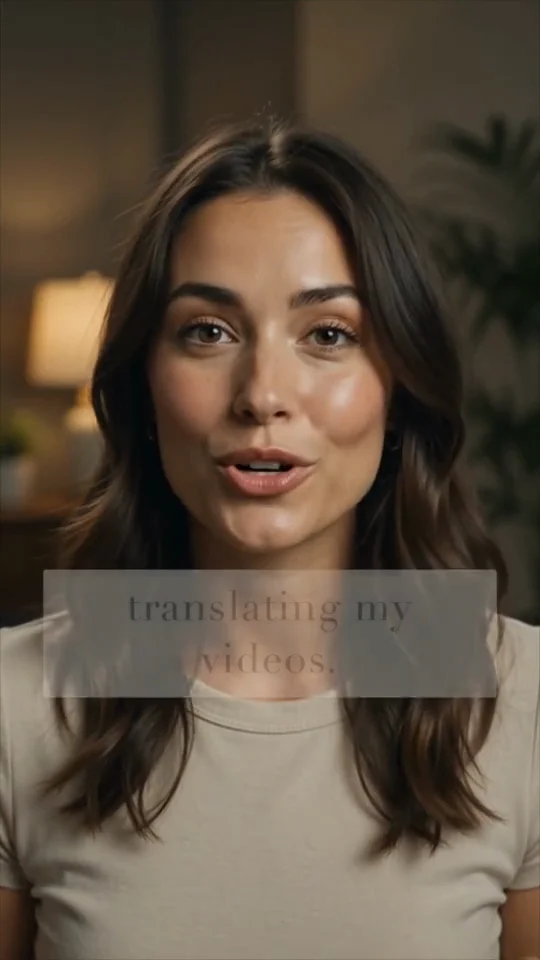
Read video transcript
I used to spend hours translating my videos. Now I can make the same video speak another language, with a whole new voice, in seconds.
Video previews. Create your own in the iPhone app.
One clip. Four caption styles.
Play real exports from Woseps. Choose a style to see how the same clip changes.
From first take to final cut.
Keep the creative decisions in your hands.
- 1
Bring your clip
Import a video and trim it to the part you want to work on.
- 2
Make it yours
Add captions, choose a voice or dub your dialogue. Preview and adjust.
- 3
Ready to share
Choose your export settings and save the finished video.
✳
The finishing touches, too.
Adjust caption styles, reduce background noise and use the teleprompter for your next take. Pro includes additional export options, including 4K and subtitle downloads.
A few things to know.
What can I make with Woseps?+
Captioned videos, AI voiceovers and dubbed versions of your clips. You can edit captions, trim video, adjust styling and export from your iPhone.
Can I edit the generated captions?+
Yes. Review the transcript, change individual words and adjust how the captions look before exporting.
Which languages can I use?+
The available languages and voices depend on the tool. Check the language and voice selectors in the app for the current options.
Do I need a subscription?+
You can download Woseps from the App Store. Some features and usage require Pro. Current prices, plan options and any eligible trial are shown in the app before purchase.
Does every feature work offline?+
No. AI features can send the necessary audio or text to cloud services for processing and require an internet connection. Read the privacy policy for details.
Can I export subtitle files?+
Subtitle downloads are available with Pro. Check the export options in the app for the formats available for your project.